
Find a Product: Narrow the Range by Type, Colour, Quantity and Delivery Date
Five ways to narrow Hotline's range, by product type, collection, colour, quantity and budget, and delivery date, and what each product page shows once you've chosen, linking the two live filter articles for the detail.

Related topics
View allFind a Product: Five Ways to Narrow Hotline's Range
There are five ways to find the promotional products that suit you in Hotline's range of more than 2,000 branded products: by product type, by collection, by colour, by quantity and budget, and by the date you need them. Start with whichever you're surest of, then narrow further with the filters on the left of our category pages, which you can use together.
Whichever way you come in, each product page shows its colours, minimum order, stock and a delivery date before you upload a logo.
By product type
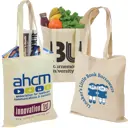
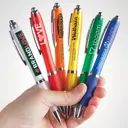
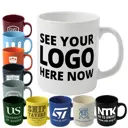
If you know what you want, start from the menu at the top of the page, which lists our main product types: Bags, Clothing, Pens, Notebooks, Drinkware, Giveaways, Lanyards and Tech. Each opens a category page, such as pens and pencils, and most divide into narrower categories, such as tote bags, mugs and notebooks.
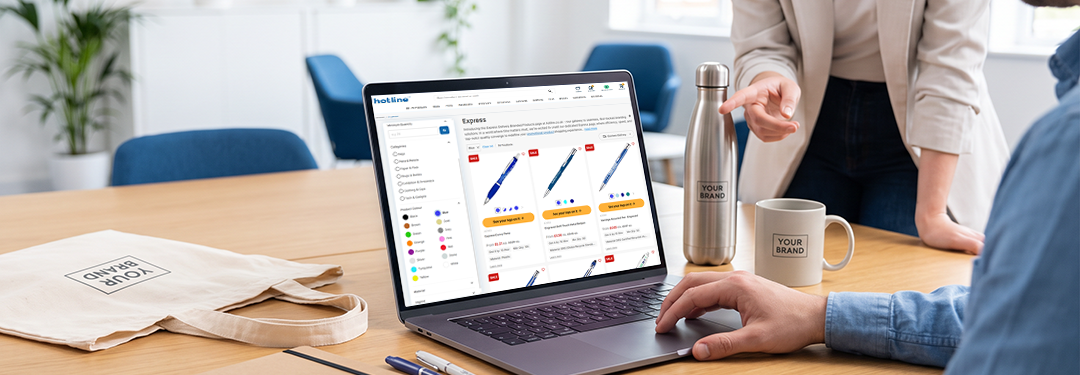
Within a category, the filters narrow the range by colour, quantity, price and delivery date, and in some categories by features particular to that kind of product, such as the style of a bottle.
Other menu items cut across the categories: Hot Products for our best sellers, New Arrivals for the newest products, Eco for our eco-friendly range, Express for products we've set up for a quick turnaround, and Brands for names such as Moleskine, Parker and Stanley, with your logo on them.
By collection
Collections group products by what they're for rather than what they are, so they're the place to start when you know the occasion but not yet the product. Browse them from our Collections hub: they cover occasions such as trade shows, employee onboarding gifts, golf days and Christmas, and sectors such as charity merchandise, NHS and healthcare, and construction.
By colour
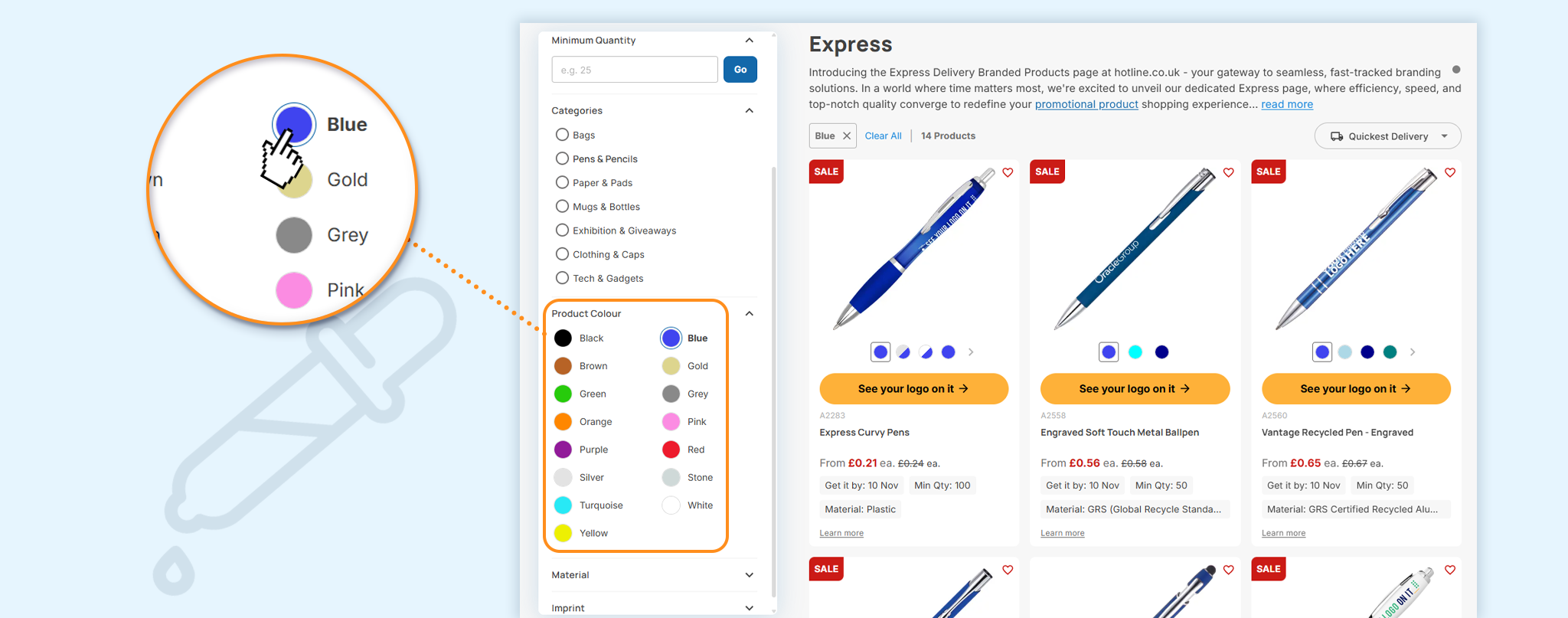
The colour filter narrows the range to products that come in the colour you choose, so you can match your brand before you look at anything else. Then check your colour on the product page, where you can see its availability, and on clothing, the Size Guide & Stock link shows stock by size and colour.
The colour of the product and the colours of your logo are separate choices. You choose the product colour on the product page, and when you request your Visual Proof™, you can add Pantone references for your logo or leave our in-house design team to match your colours.
Each colour needs its own Visual Proof™ and its own line in your basket. If your colour's out of stock, set a back in stock alert on the product page and we'll email you when it returns, with the expected restock date shown where we have one. Our article on stock levels explains what the product page shows.
By quantity and budget
Set the quantity you need and products with a higher minimum order drop out of the range, with prices shown for your quantity. Add the most you want to spend per unit, and the range narrows to what fits your budget.
Each product has its own minimum order, so setting your quantity first leaves only what you can order at your size, whether that's a small run for a team or a large one for an event. Our article on filtering by budget, quantity and date works through an example from start to finish.
By the date you need them
Choose the date your products need to arrive by in the Delivery By filter, and only products that can reach you by then stay in the range. Our FAQs also point to the Fastest Delivery filter when time is short, and our Express range gathers the products we've set up for a quick turnaround.
The date to rely on is the one shown for your product and delivery option. On Standard and Express delivery it's guaranteed, and on Free No-Rush it's estimated. Our article on guaranteed delivery dates explains how each date is worked out from the product, the branding method and the delivery option you choose.
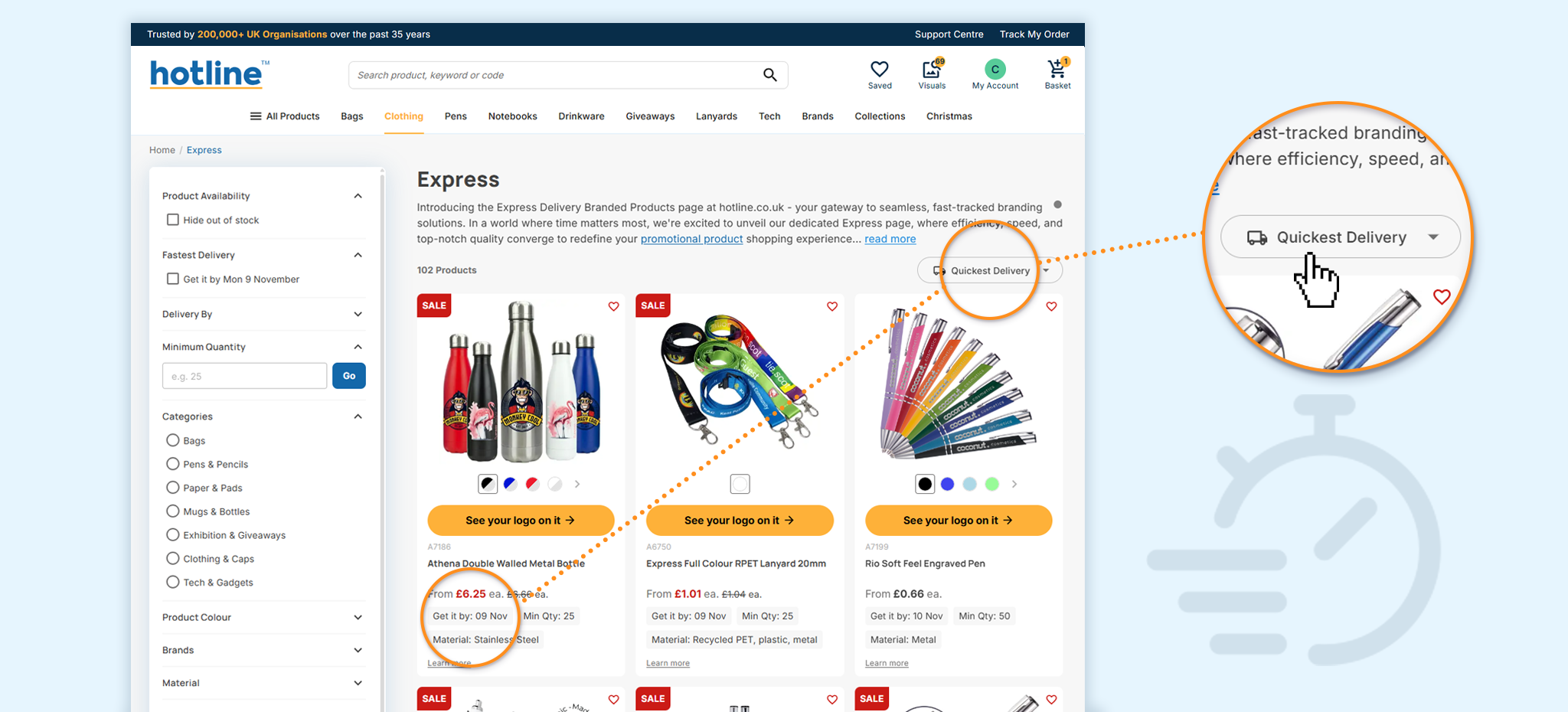
Our article on shopping by the date you need them explains how the date filter works and how to plan back from an event, and our idea on express promotional products for a last-minute event covers what to order when it's close.
What the product page shows once you've chosen
Each product page sets out what you need to decide before you upload a logo: the colours, the branding and print method, the print area, the minimum order quantity, the stock, the Fastest Dispatch time and a Get it by date. For most stocked products, the stock is the exact quantity available, while made-to-order products show In stock without a number.
Choose your quantity from the Select Quantity box, or enter a larger one in the Custom Quantity box, and the price updates as you do. The Instant Quote gives you a price without a logo, and when you're ready, click See your logo on it and our in-house designers will email you a free Visual Proof™, usually in around 20 minutes during working hours. Our guide to ordering online at Hotline takes you through what happens next.
Five ways to find promotional products at a glance
Where each way in sits on our website, what it narrows the range by and where to read more.
| Way in | Where it is | What it narrows by | Read more |
|---|---|---|---|
| Product type | The menu at the top of the page | The kind of product, then its features within a category | Category pages, such as tote bags or mugs |
| Collection | The Collections hub | The occasion or sector you're buying for | Collections hub |
| Colour | The filters on the left of a category page | Products in your colour, with availability on each product page | Stock levels |
| Quantity and budget | The filters on the left of a category page | Products you can order at your quantity, within your price per unit | Filtering by budget, quantity and date |
| Delivery date | The Delivery By and Fastest Delivery filters on the left of a category page | Products that can reach you by your date | Shopping by the date you need them |
To start, open a category or a collection, narrow it with the filters and request a free Visual Proof™ on the product you choose, to see your logo on it with the price for your quantity and the delivery date.